
Flux Text to Video Generator
Describe subject, action, camera, and mood; get a short cinematic clip from text alone, with synchronized audio and aspect-ratio control.
Flux Text to Video, With Nothing but a Sentence
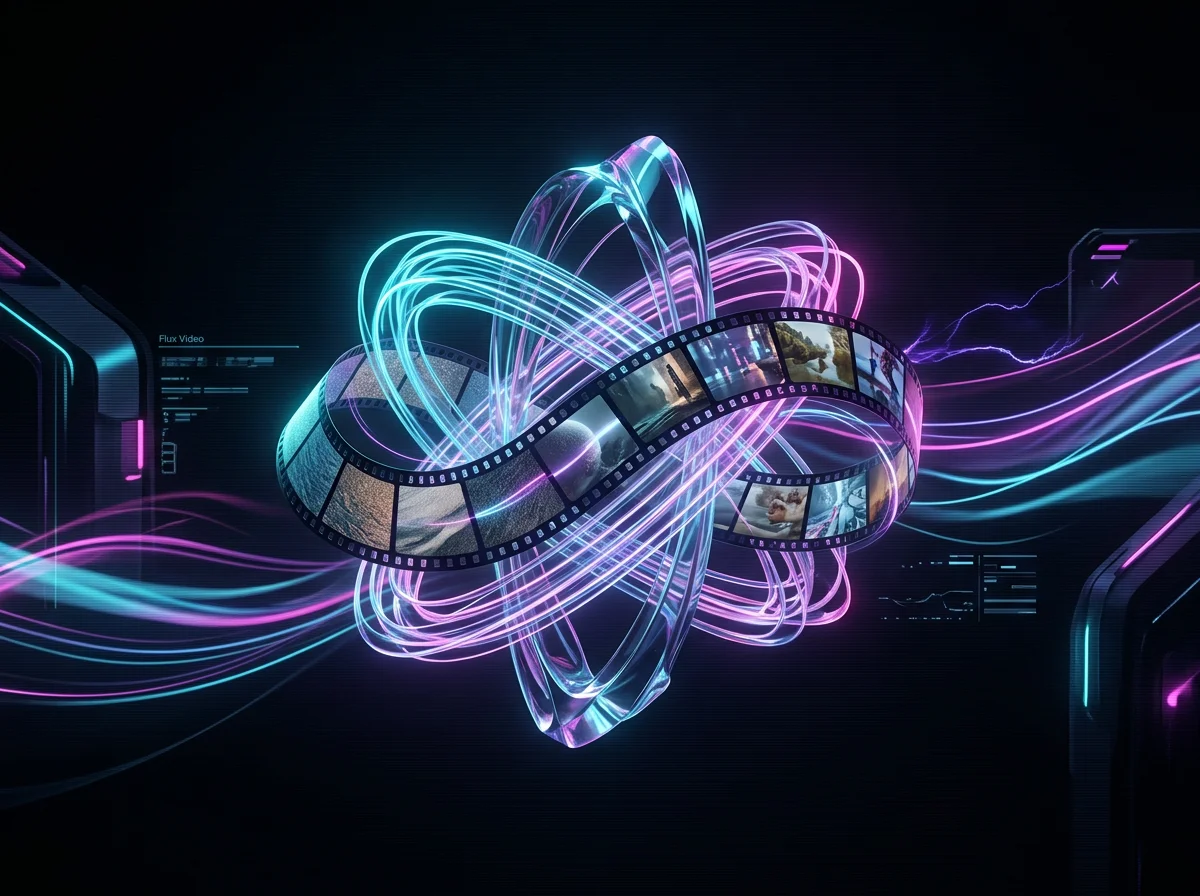
Flux text to video takes a written scene and returns a short clip with audio. There is no footage to source, no timeline to cut, and nothing to upload - the prompt is the whole input.
Describe the shot in plain language
Write who is in frame, what they do, and where it happens. Flux text to video reads ordinary sentences, not a tag soup.
Explore before you commit assets
Test a creative direction in a minute rather than sourcing stock or booking a shoot to find out it does not work.
Direct the camera in the prompt
Slow push-in, tracking shot, low angle - camera language belongs in the sentence and changes the result.
Audio arrives with the clip
Generated shots come back with a matching audio bed, so a text prompt produces something watchable rather than a silent loop.

What People Generate From a Written Prompt
Text to video earns its place when the idea exists but the footage does not.
Concept scenes before production
Rough out a scene from the script so a client or director can react to something moving instead of a paragraph.
Ad variants from a single line
Rewrite the sentence, regenerate, compare. Testing five creative directions costs five prompts.
Establishing and cutaway shots
Generate the landscape, the street, the interior - the connective shots an edit needs and a shoot rarely covers.
Mood films and pitch openers
Turn a written tone into thirty seconds of atmosphere for a deck, a brand pitch, or a launch page.
Why Prompt-Only Generation Is the Fastest Loop
With no source asset in the way, the distance between an idea and a clip is one sentence.
When a Prompt Beats a Reference Image
Text to video and image to video solve different problems; picking wrong wastes credits.

How to Generate a Video From Text
Four steps from a written sentence to a downloadable clip.
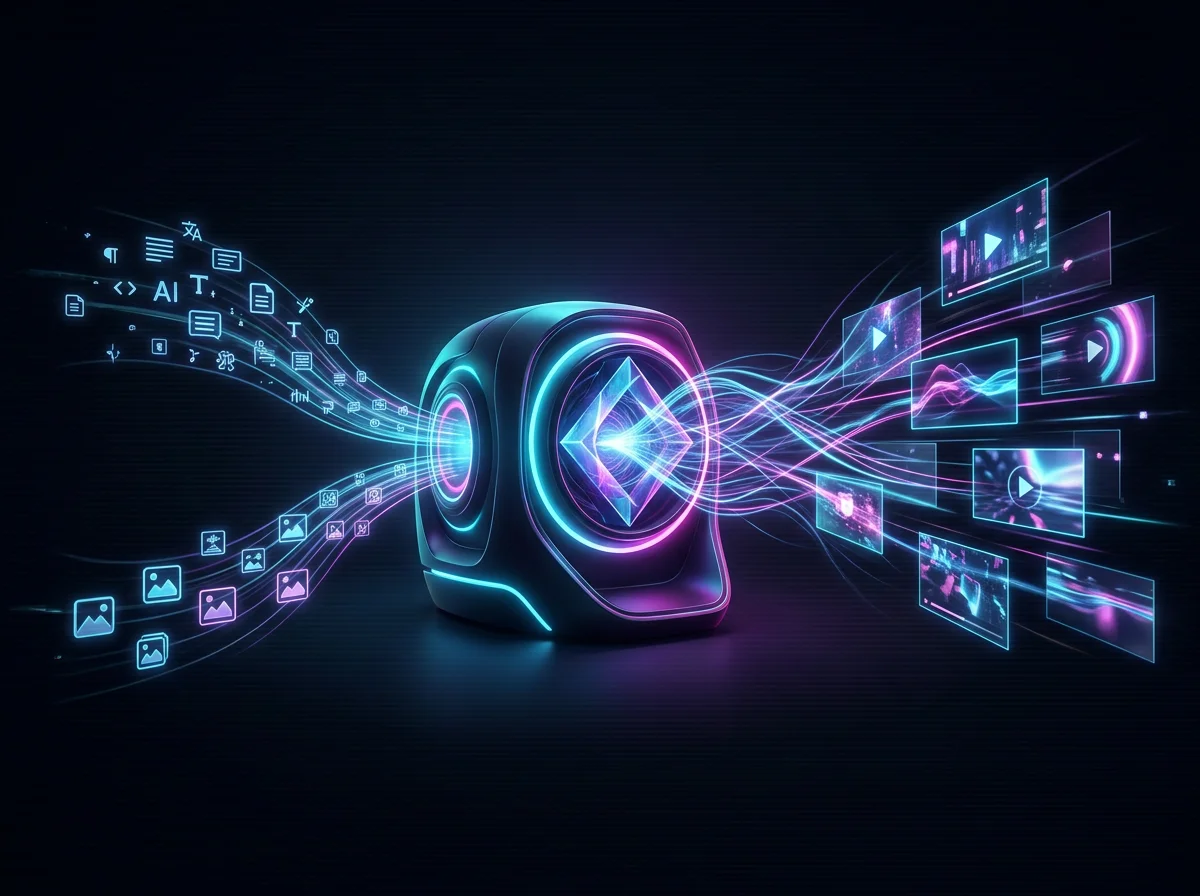
Write the subject and the action
Lead with what is in frame and what it does. Vague subjects produce vague motion, and that is the most common cause of a weak first result.
Add setting, light and lens
Time of day, location, and a camera instruction give the model the three things it otherwise guesses at.
Pick the aspect ratio before generating
Vertical for social, wide for a landing page. Choosing up front avoids regenerating a clip that crops badly.
Read the result, then edit the sentence
Decide what the clip got wrong - subject, motion, or mood - and change only that part of the prompt.
Writing Text-to-Video Prompts That Land
The prompt is the entire input here, so prompt craft is most of the quality.
One subject, one action
Two competing subjects split the model's attention. Generate them as two shots and cut between them instead.
Name the camera move explicitly
"Slow dolly-in" and "handheld follow" produce different videos. Left unsaid, the motion is arbitrary.
Give light a direction and a colour
Backlit at golden hour, cool overhead fluorescents. Lighting language moves the result further than adjectives like cinematic.
Cut adjectives that mean nothing visually
Stunning, amazing and epic do not describe pixels. Replace each with something you could photograph.
What the Text to Video Generator Gives You
A prompt box, the controls that change the output, and a clip you can publish.
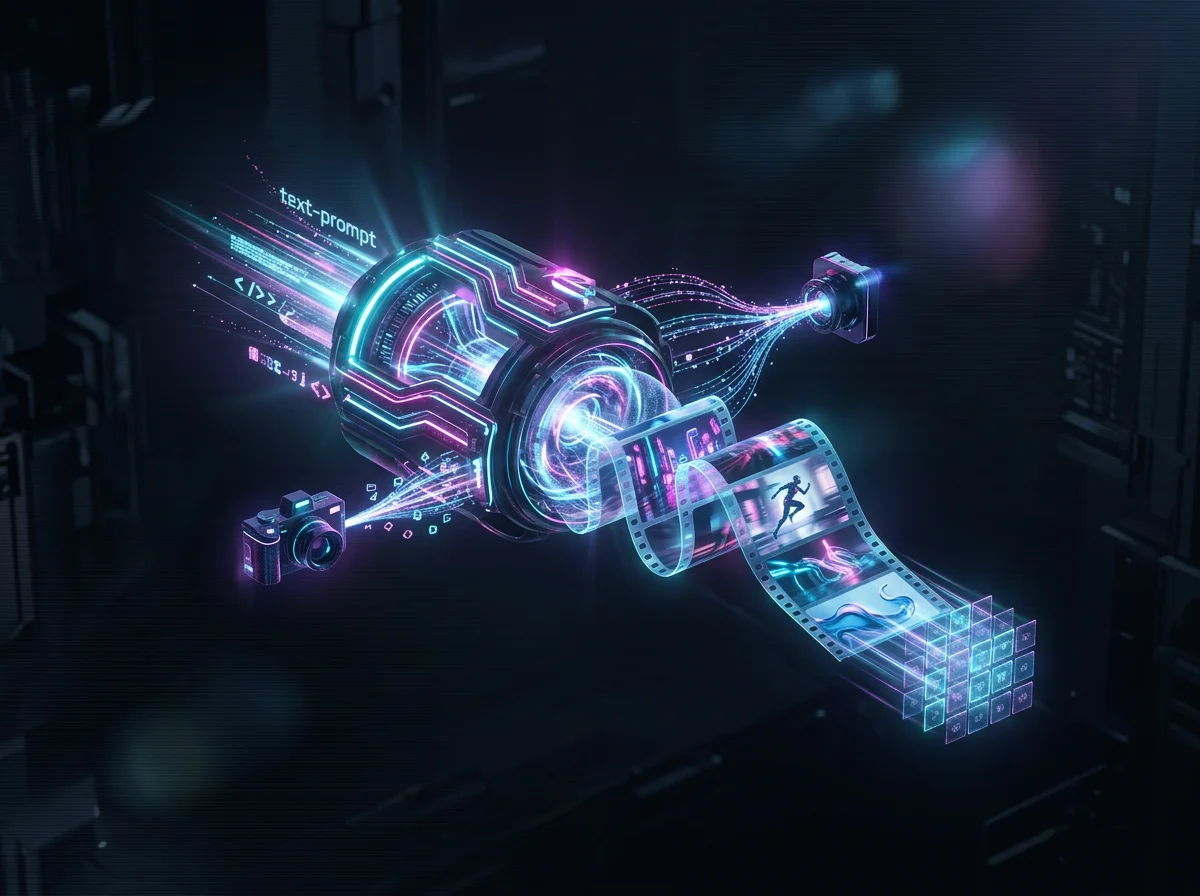
Prompt-to-clip generation
Type a scene, get a short video with audio. No upload step and no asset library to manage.
Camera and motion direction
Framing and movement instructions in the prompt are honoured rather than ignored.
Aspect ratio presets
Vertical, square and wide, chosen before the run so the clip fits where it is going.
Synced audio on output
Clips return with a matching audio bed instead of silence.
Visible credit meter
The cost of a generation is on screen before you spend it.
Direct download
Take the finished clip straight into an edit, an ad, or a landing page.
Flux Text to Video Generator in numbers
What a run costs and returns
Available in the form today, each priced in the same credits.
Per run, depending on the model and length chosen.
Video covered per credited run, by model.
Includes a commercial licence for what you make.
The longest prompt every model on this page accepts.
On a new account, before any plan.
FAQ for AI Video Searchers
Answers to common questions around AI video generators, text-to-video, image-to-video, prompts, and pricing.
Write a Scene, Get a Video
Flux text to video needs one sentence to start. Try a prompt free, then move to Studio or Pro when generating becomes part of the week.
