
Flux Video Generator for Text and Image Prompts
The flux video generator uses currently selectable models for text and source-image workflows, with controls and credits shown before submission.
What Flux Video Covers
The flux video generator covers prompt-to-video and source-image animation through one model selector; each model retains its own inputs and limits.
Text to video AI generation
Turn a detailed prompt into a short cinematic clip when you want to explore a scene from scratch.
Image to video AI animation
Upload a still image or reference frame when composition, product angle, or character framing matters.
Cinematic short-form output
Create AI video clips that fit product teasers, vertical social edits, mood films, and concept videos.
Visible AI video pricing
Keep monthly AI video costs predictable with clear credits and simple free, Studio, and Pro plans.
What People Actually Make With It
Built for the jobs people actually bring to an AI video generator.
AI product teaser videos
Animate product shots, packaging stills, or concept frames into short clips for landing pages, launches, and ecommerce creative.
Social media AI videos
Create short-form AI video content for Reels, Shorts, TikTok-style cuts, and paid social creative in common aspect ratios.
Storyboard and concept videos
Use text-to-video to rough out scenes quickly before full production, client review, or creative signoff.
Image-to-video motion studies
Start from a hero frame, key visual, or moodboard image and animate it into a more polished concept clip.
What This Flux Video Generator Does Well
The product keeps text and source-image workflows together while exposing several model choices with different controls and costs.
When to Use Text to Video vs Image to Video
Matching the right AI video workflow to the job improves output quality and reduces wasted credits.
How to Generate AI Videos with Flux Video
A practical text-to-video and image-to-video workflow for creators, marketers, and founders.
Start with a direct video prompt
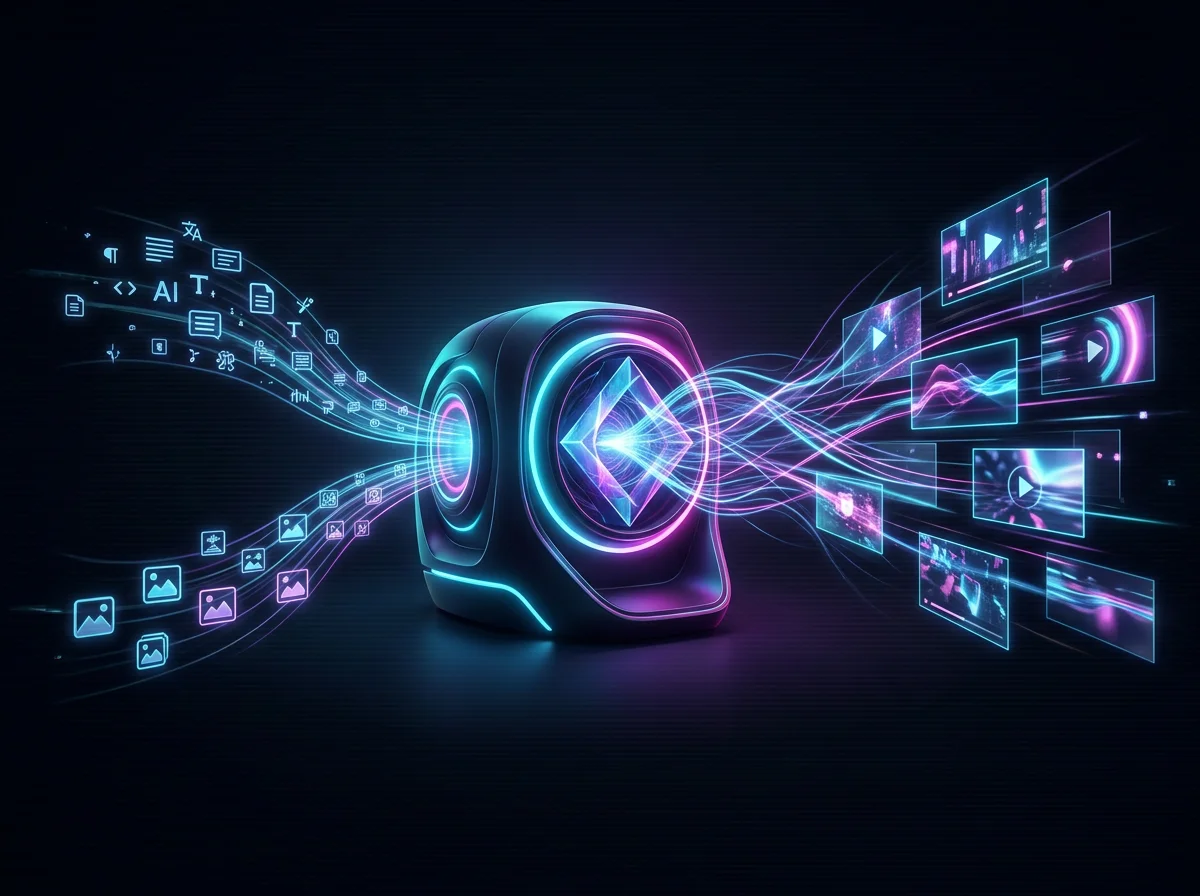
Describe the subject, action, setting, lighting, camera angle, and mood you want the AI video generator to produce.
Add a reference image when needed
Upload a still image when you want image-to-video control for composition, product framing, or visual continuity.
Choose the right aspect ratio and settings
Use only the aspect-ratio and related settings shown by the selected model's live form.
Review, refine, and export
Iterate on prompt wording, motion direction, and framing until the clip is ready for social, product, or concept use.
How to Write Better Text-to-Video and Image-to-Video Prompts
Prompt quality is one of the biggest levers for better AI video results, so the landing page now covers the terms people actually search for.
Describe the subject and action clearly
Start with who or what is in the scene, then describe the core motion or action in direct language.
Add camera movement and framing
Use simple cinematic instructions like close-up, wide shot, slow zoom, pan left, tracking shot, or handheld feel.
Define style, lighting, and mood
Mention visual style, time of day, color palette, realism level, and atmosphere so the model has clearer creative direction.
Keep image-to-video prompts focused on motion
When you already have a reference image, spend more of the prompt budget describing movement, timing, and camera behavior instead of re-describing the frame.
Core Flux Video AI Video Features
The live selector defines which text, source-image, ratio and other controls are available for one generation.
Text-to-video generation
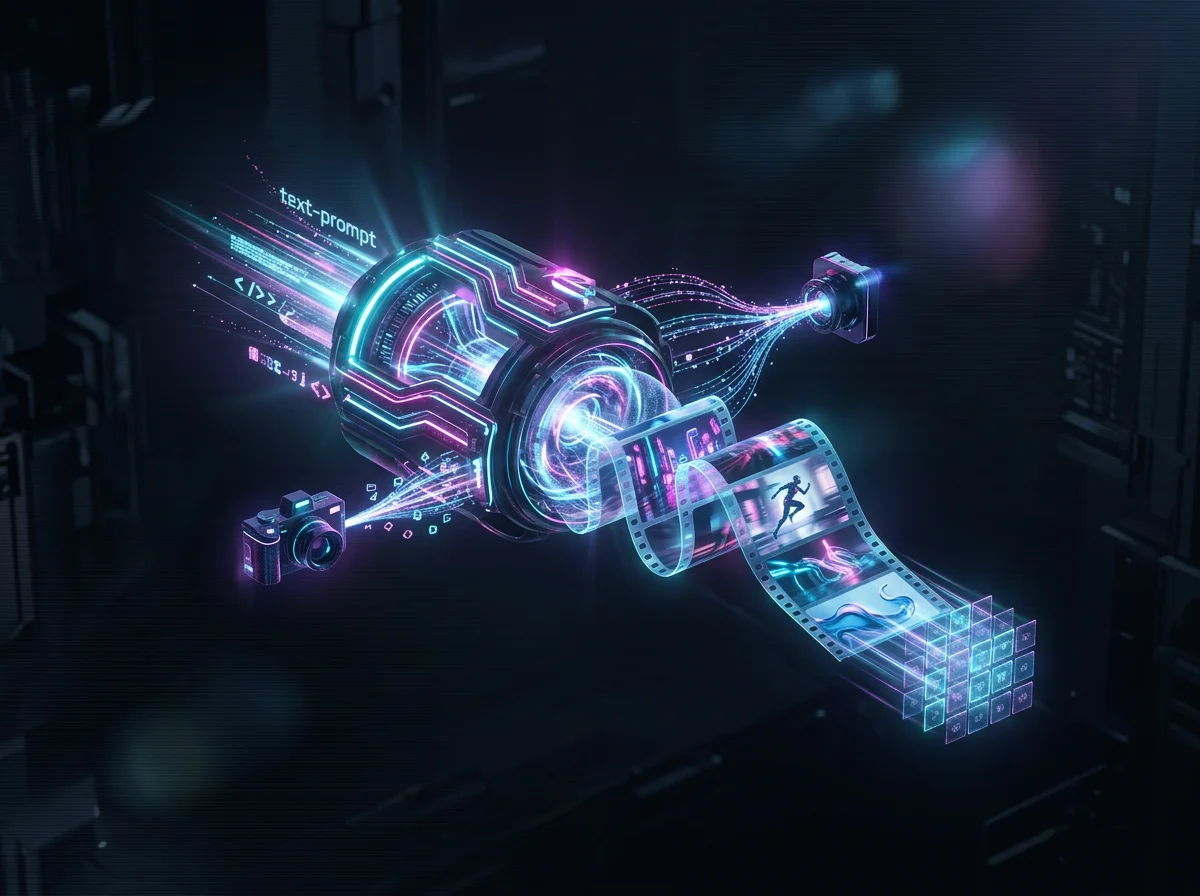
Turn prompts into short AI videos for concept scenes, social clips, and marketing creative.
Image-to-video animation
Animate an accepted product shot or illustration while reviewing the result for composition and identity drift.
Aspect ratio presets
Choose an aspect ratio only where the selected model exposes that control.
Visible credit meter
See cost and remaining balance without guessing what each AI video generation will consume.
Reference uploads
Use image inputs only with models whose forms accept their format, count and size.
Result review workflow
Inspect motion, identity, detail, text, audio and prompt adherence before moving a downloaded clip into later work.
Flux Video Text-to-Video and Image-to-Video Generator in numbers
What a run costs and returns
Available in the form today, each priced in the same credits.
Per run, depending on the model and length chosen.
Video covered per credited run, by model.
Includes a commercial licence for what you make.
The longest prompt every model on this page accepts.
On a new account, before any plan.
FAQ for AI Video Searchers
Answers to common questions around AI video generators, text-to-video, image-to-video, prompts, and pricing.
Start Generating AI Videos with Flux Video
Choose a current model, complete only its displayed inputs, confirm the debit, and evaluate the returned clip before using it.
